

Simply synchronise CELUM assets into Pimcore
Thanks to the Pimcore integration, you can synchronise the CELUM assets with just a simple button press.
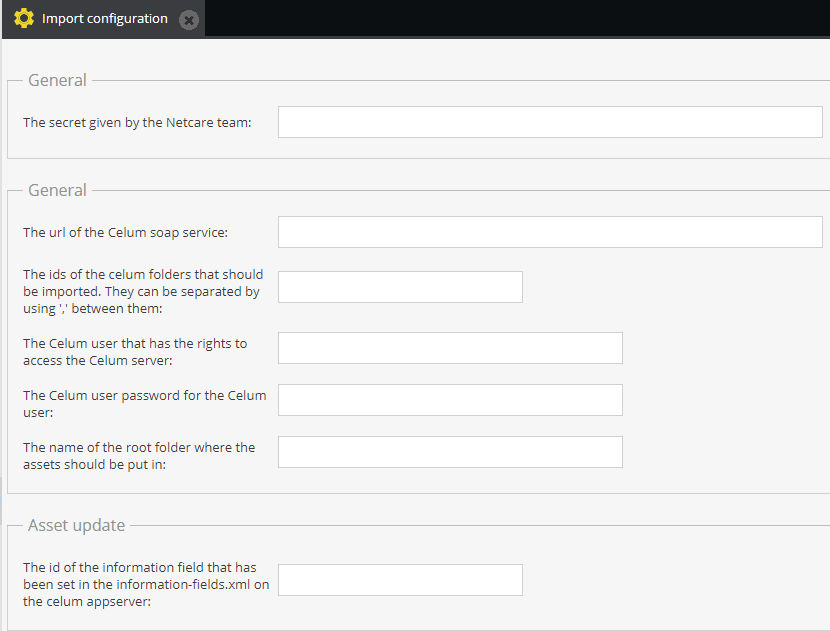
The folders that should be synchronised can be adjusted in the configuration menu.
When an asset is used in Pimcore, CELUM will save the ID, type and name of the object where the asset is used.
The project integration is customisable to your specific needs. Developed by netcare.
benefits
SIMPLE
Synchronise assets with the click of a button and eliminate the need to upload files to two systems.
AUTOMATED
For automated cronjobs, you can trigger the synchronisation with console commands.
CUSTOMISABLE
Determine which data are synchronised via extensive and flexible configuration.
use cases
Synchronisation Configuration
Define a root node in CELUM for the Assets which are to synchronise to Pimcore. This is made in the integration configuration in Pimcore.
SYNCHRONISATION OF ASSET METADATA
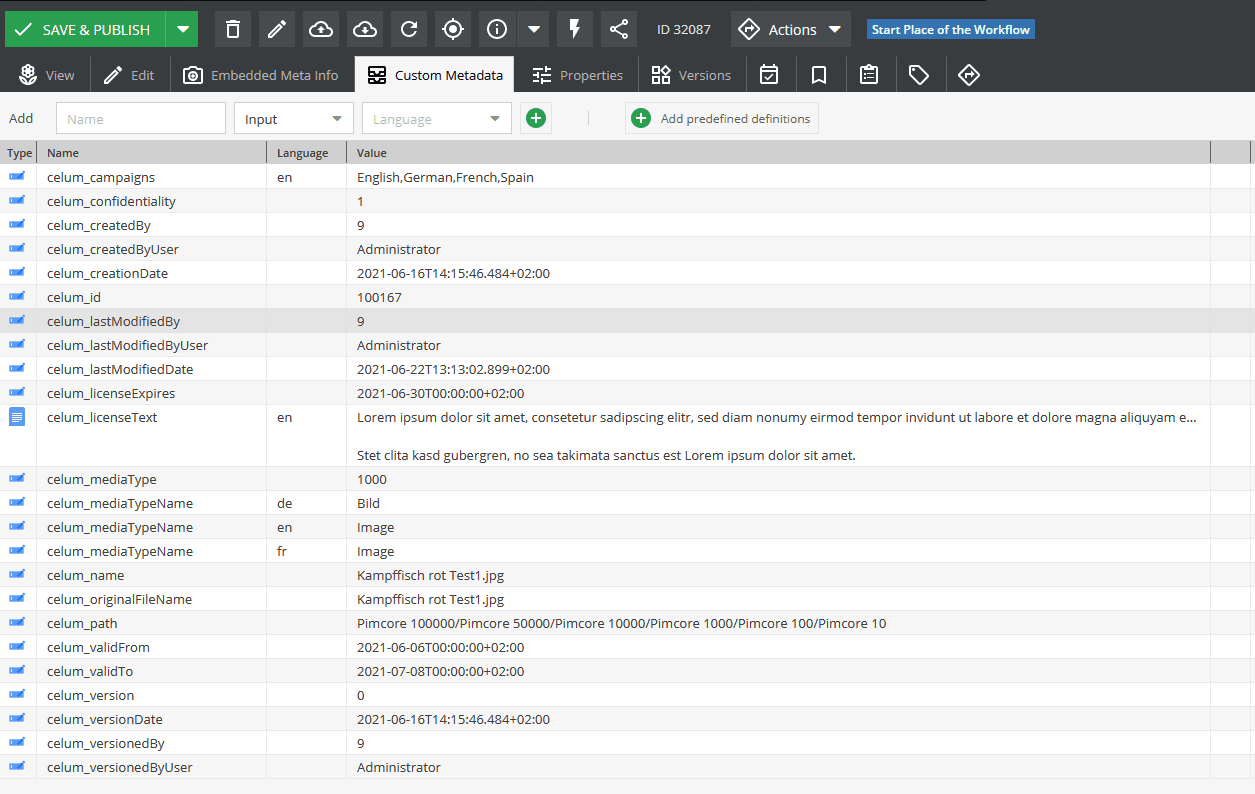
Metadata for an asset are transferred from CELUM to Pimcore. In addition to a standard set of metadata, further user-defined metadata can be synchronised.
Synchronise Assets from CELUM to Pimcore
Configurable transmission of asset metadata
In CELUM you can see the use of your assets in Pimcore.
Automation via console commands